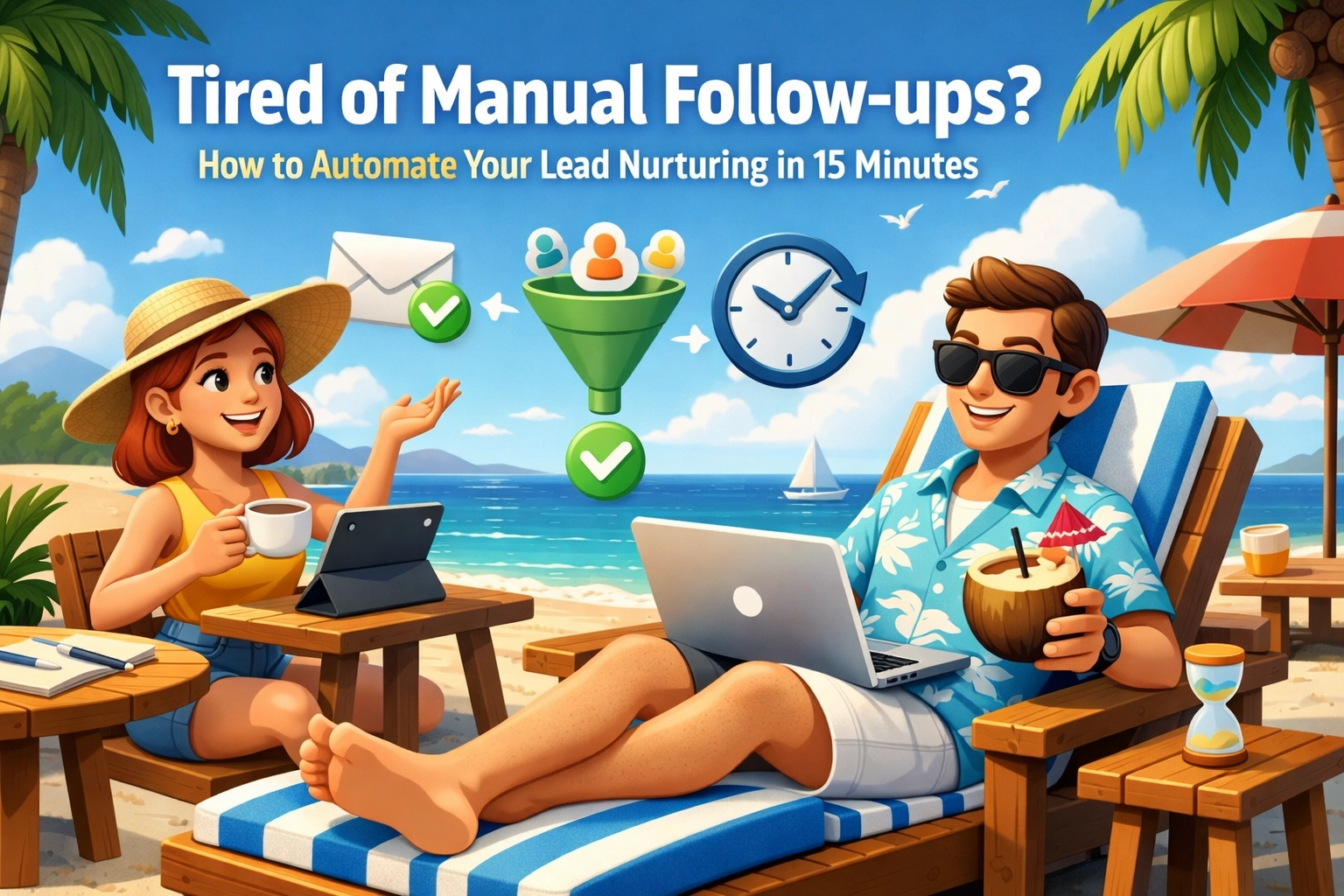
Picture this: You’re finally sitting down at that little beachside shack, the one with the really good fish tacos and the even better Wi-Fi. You open your laptop, ready to knock out a couple of hours of deep work, and what do you see? A mountain of unread emails. Half of them are “just checking in” notes you need to send to leads who went cold. The other half are “thank you for downloading my guide” messages that should have gone out three days ago.
I hear it from a lot of owners I talk to. Small business owners are the hardest workers on the planet, but they spend a big chunk of their time on tasks that a clever piece of software could do while they’re asleep. One of the biggest time-sinks? Lead nurturing.
The good news? You don’t need a $100,000 tech budget or a team of developers to fix this. You just need 15 minutes and a bit of beachside wisdom.
The Hidden Cost of “I’ll Do It Later”
When you’re running a small business, “later” is where leads go to die. The MIT/InsideSales Lead Response Management study found the odds of qualifying a web lead were 21 times higher when it was called within 5 minutes instead of 30. But you’re a human being. You have meetings, you have lunch, and occasionally, you actually have to do the work you’re being paid for.
Manual follow-up is a leaky bucket. You pour leads in the top, and they drip out the bottom because you forgot to send that third follow-up email, or you got distracted by a phone call. Every lead that slips through the cracks is literal money left on the table.
Automating this process isn’t just about saving time — it’s about outcome insurance. Every person who expresses interest gets a high-quality experience without you lifting a finger.
The 15-Minute Automation Blueprint
Let’s break this down into a low-hanging fruit plan. Three steps, no PhD required.
Pick Your Tool
Don’t overthink this. If you already use a CRM like HubSpot, Pipedrive, or monday.com, you likely already have automation at your fingertips. If not, tools like AWeber or MailerLite offer pre-built automation templates — think of them as the “easy button” for your business. You want a tool where you can click “When someone fills out my contact form, send them an email.”
Set Your Triggers
A workflow is simply an “If This, Then That” statement. A lead downloads your pricing guide → they get an immediate email with the guide → 48 hours later, a follow-up asking if they want to book a call. Using a visual workflow builder means you’re dragging and dropping — not writing code.

Lead Scoring
Not all leads are equal. Give a lead 5 points for opening an email, 20 points for clicking “Book a Call.” Once they hit 50 points, the system pings you: “This one’s hot — call them now.” You spend your time on the few most likely to close. The automation handles the rest.
Bridging the Gap: Why “Old Tech” Isn’t an Excuse
One of the biggest objections we hear: “My system is twenty years old. It doesn’t talk to these fancy new AI tools.” That’s exactly where our AI implementation services come in. Whether you’re running on a legacy database or a spreadsheet that’s seen better days, we specialize in building the bridges — sometimes Zapier, sometimes a custom GPT — that make your data flow where it needs to go.

The Real-World Outcome: From Chaos to Calm
Take a local HVAC owner — call him Dave. Before automation, he’d get lead notifications mid-job and think “I’ll call them when I get back.” By the time he got back, the lead was cold and forgotten. After a simple automation setup:
- Every new lead gets an instant text: “Hi, I’m on a job right now — here’s my calendar to pick a time for a quote.”
- If they don’t book, the system follows up the next morning.
- Dave only checks his phone when a confirmed appointment lands on his calendar.
Dave didn’t work harder. He didn’t spend more on ads. He just stopped the leaks, and he spends less time on his phone.
Honestly? A bit of both — and for you, the label doesn’t matter. Simple automation handles the “if this, then that.” Add a layer of AI and your follow-ups start feeling genuinely personal. At GreyBeardOps, we always start with the easy wins first. Get the foundation solid, then layer in the intelligence.
Your 15-Minute Challenge
Try this today: identify the one manual email you send most often, open your CRM or email tool, and set up a simple auto-responder for your contact form. That’s it. You’ve just automated your first task and reclaimed a sliver of your life. Want to go deeper? Check out the free tools in The Toolkit or drop me a line.

The ocean is calling. Don’t let a manual follow-up keep you from the beach.
Ready to stop the manual grind?
Take the free readiness checkup. It’s a 3-minute quiz that points you to your highest-value automation opportunity.
Run the Free Checkup →