
It is late, the customer-facing work is done, and the second shift has started.
You are copying notes into a spreadsheet, checking whether an invoice went out, and trying to remember which voicemail still needs a response. None of these jobs is especially difficult. Together, they consume the part of the day that was supposed to belong to you.
This is what operational chaos usually looks like in a small business. It is not dramatic. It is dozens of small handoffs, repeated decisions, and bits of information that never quite land where they should.
The good news is that you may not need a large software project to fix it. You may not need AI at all. You need to see the work clearly, remove what does not belong, and use technology only where it earns its keep.
The problem is often the plumbing, not the people
When a business grows, its processes tend to grow one workaround at a time. A shared inbox becomes a lead tracker. Text messages become job notes. One spreadsheet becomes three. Each workaround makes sense when it is created, but the collection eventually becomes a system nobody intentionally designed.
That is operational plumbing: how information enters the business, where it goes, who acts on it, and what happens next. When the plumbing is poor, capable people compensate with memory and effort. The owner becomes the connection between every disconnected part.
Working harder can keep that system alive, but it cannot make it healthy.
Start with the work, not the software
The quickest way to make a messy operation more expensive is to automate it before understanding it. A new app can move bad information faster, add another login, and create one more place your team has to check.
Before choosing a tool, trace one real piece of work from beginning to end. A new customer inquiry is a good example:
- Where does the inquiry arrive?
- Who decides whether it is a fit?
- Where is the customer's information recorded?
- How is the next step scheduled?
- What happens if the customer does not respond?
The delays, duplicate entry, and missing ownership usually become obvious. That is the problem to solve—not “we need AI.”
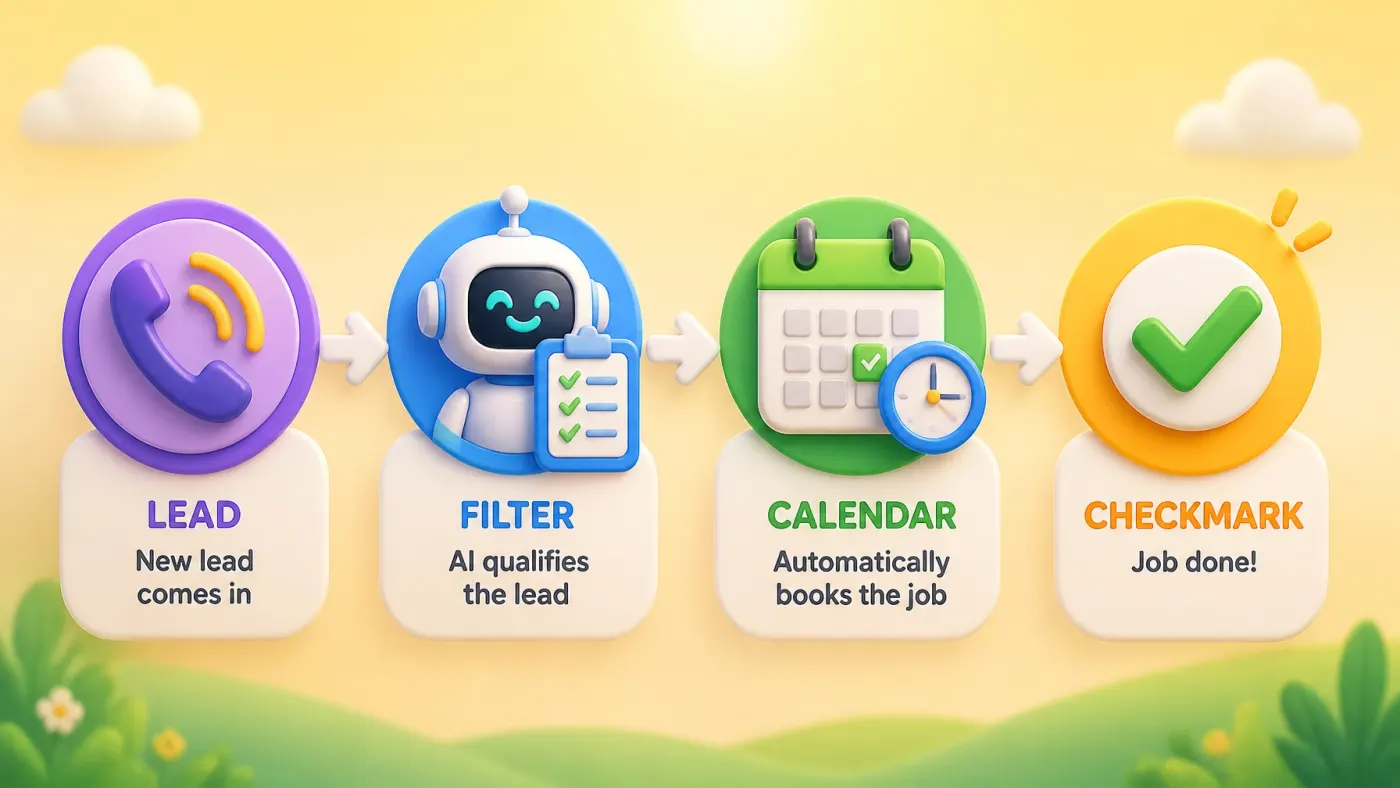
Three ways to move from chaos to control
1. Simplify
Remove steps that no longer serve a purpose. Shorten forms. Stop collecting information nobody uses. Give one person clear ownership instead of asking three people to keep an eye on something.
A surprising amount of “automation” work disappears when the process itself gets simpler.
2. Connect
Use the tools you already have more deliberately. A website form should put customer details where the team actually works. A booked appointment should create the right reminder. A completed job should trigger the next appropriate follow-up.
The goal is not a complicated tech stack. It is fewer manual handoffs and fewer opportunities for information to go missing.
3. Automate
Once the process is clear, automate the predictable parts: acknowledging a new inquiry, gathering basic details, creating a task, sending a reminder, or requesting a review.
AI becomes useful when the work requires some judgment or flexible language—for example, summarizing a customer message or drafting a response for review. Ordinary automation is often better for fixed rules. The right choice is whichever one makes the process more reliable without making it harder to understand.
What this looks like in a real business
Consider a home-service company that receives leads through calls, web forms, and Facebook messages. The owner checks each channel when time allows, asks the same questions repeatedly, and moves details into a scheduling system by hand.
A practical redesign might look like this:
- Route every digital inquiry into one intake process.
- Collect the service type, location, urgency, and preferred contact method once.
- Send an immediate acknowledgement that sets an honest response expectation.
- Create a follow-up task for a person, or offer scheduling when the request meets clear criteria.
- Keep the conversation and customer details together.
There is nothing flashy about that. That is the point. A good operational system becomes boring, dependable, and easy for the team to follow.

How to find the first thing worth fixing
Do not begin by mapping your entire business. Start with one recurring frustration and ask four questions:
- Frequency: How often does this happen?
- Friction: How much effort, delay, or rework does it create?
- Impact: Does it affect customers, cash flow, or your team's capacity?
- Predictability: Are the steps consistent enough to simplify or automate?
The best first project is usually frequent, frustrating, consequential, and repeatable. It might be lead follow-up, quoting, scheduling, intake, invoicing, or review requests. Fix one flow, measure the difference, and then decide what deserves attention next.
Technology should give the owner less to manage
I have spent more than 30 years watching technology change. The tools keep getting faster and more capable, but the basic test has stayed the same: does this make the work clearer and the outcome more reliable?
If a solution needs constant babysitting, creates another dashboard, or leaves the team confused about what happens next, it has not solved the operational problem. The best system is often the one you barely notice.
Control does not mean turning your business into a machine. It means knowing that the important work is moving, customers are not being forgotten, and the business does not require your memory to hold everything together.

Where is the friction hiding in your business?
The free GreyBeardOps Business Checkup takes about three minutes and helps identify where your operation may be losing time, leads, or money—before you buy another tool.
Run the Free Checkup →